

Creating an API token
To interact with any endpoint in the Darling API, you’ll first need to authenticate. This is done by signing in as a user and generating an API token.1
Sign into the Darling app
Go to the Darling App to sign in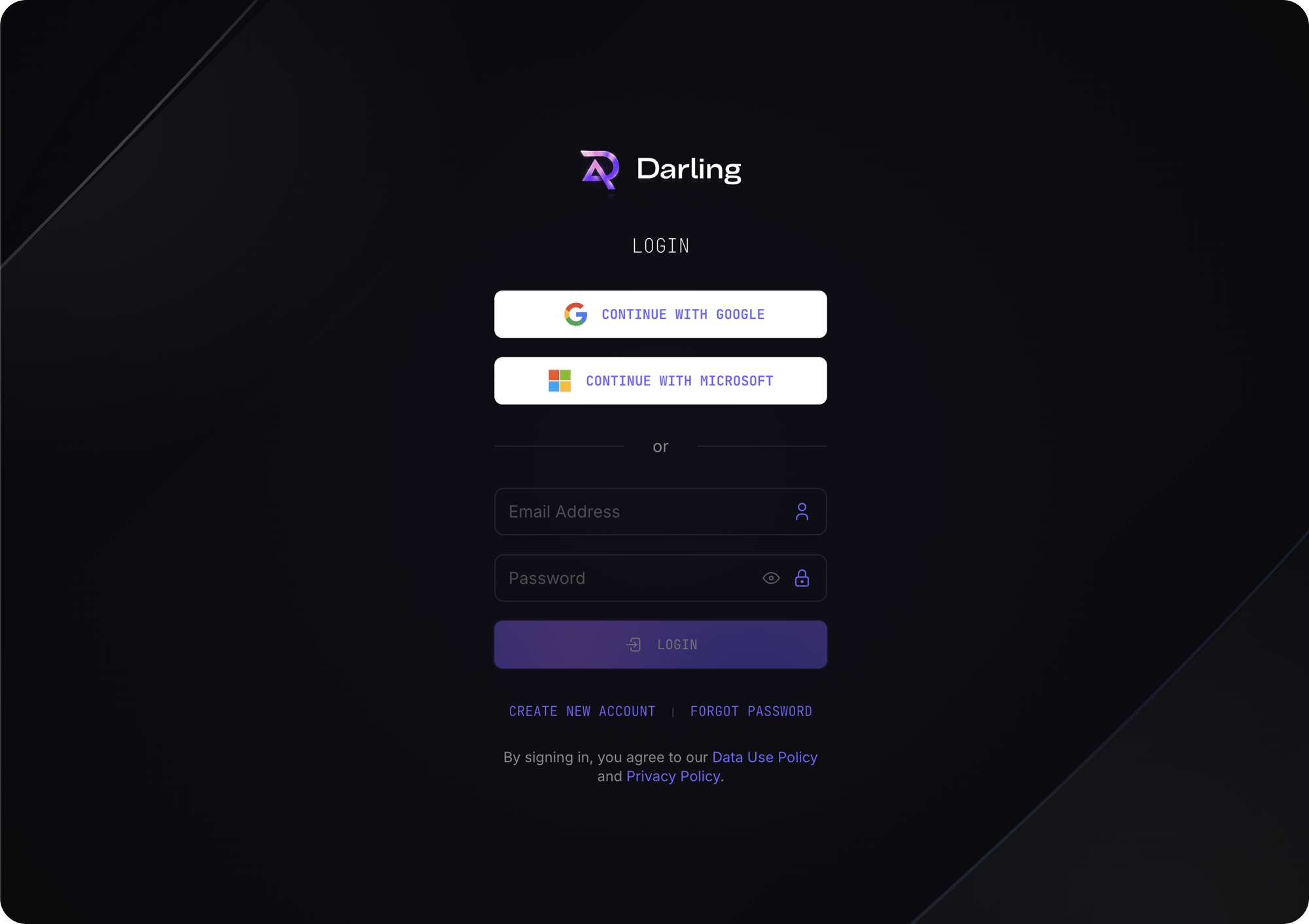
2
Navigate to Account settings
Click on your avatar on the top-right and then on your name / email to access your account settings page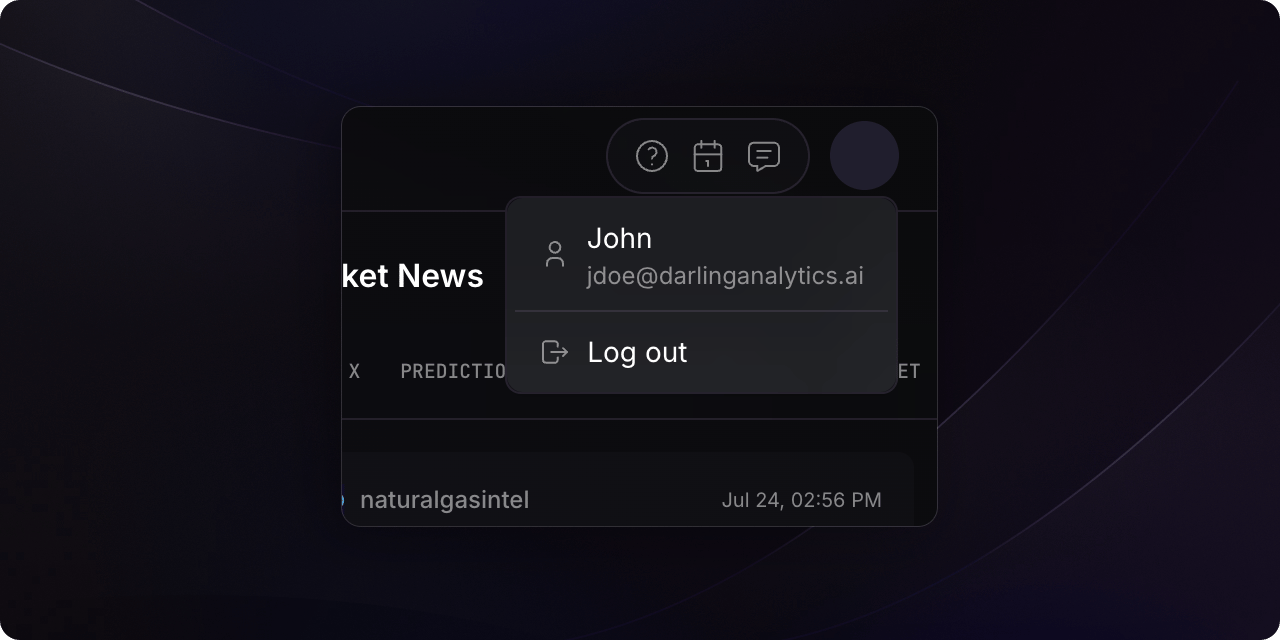
3
Create a new API token
Scroll down to the ‘API Tokens’ section and click ‘New Token’ to generate your API token.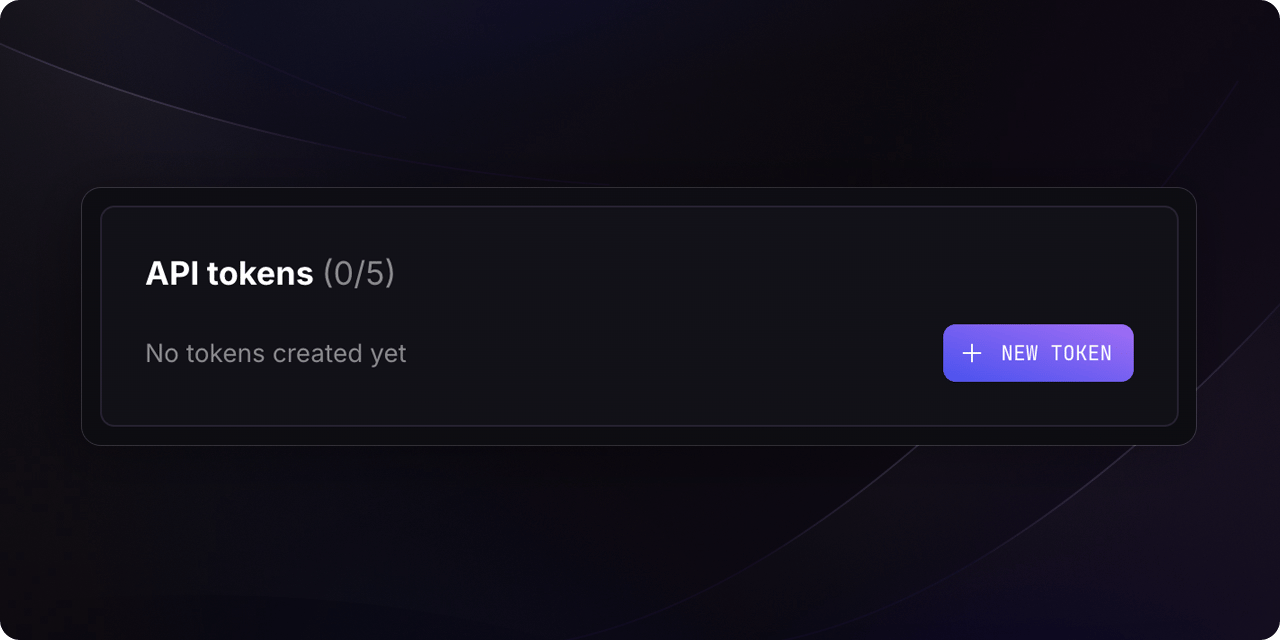
4
Set as header in your requests
Include your new API token in the
Authorization header of your requests, prefixed with Bearer , to authenticate with the Darling API.