


Creating an account
The first step to using Darling is to create an account. In order to use the product you should do so using a workspace invite or existing organisation SSO.Create your account
Create an account to get started with Darling
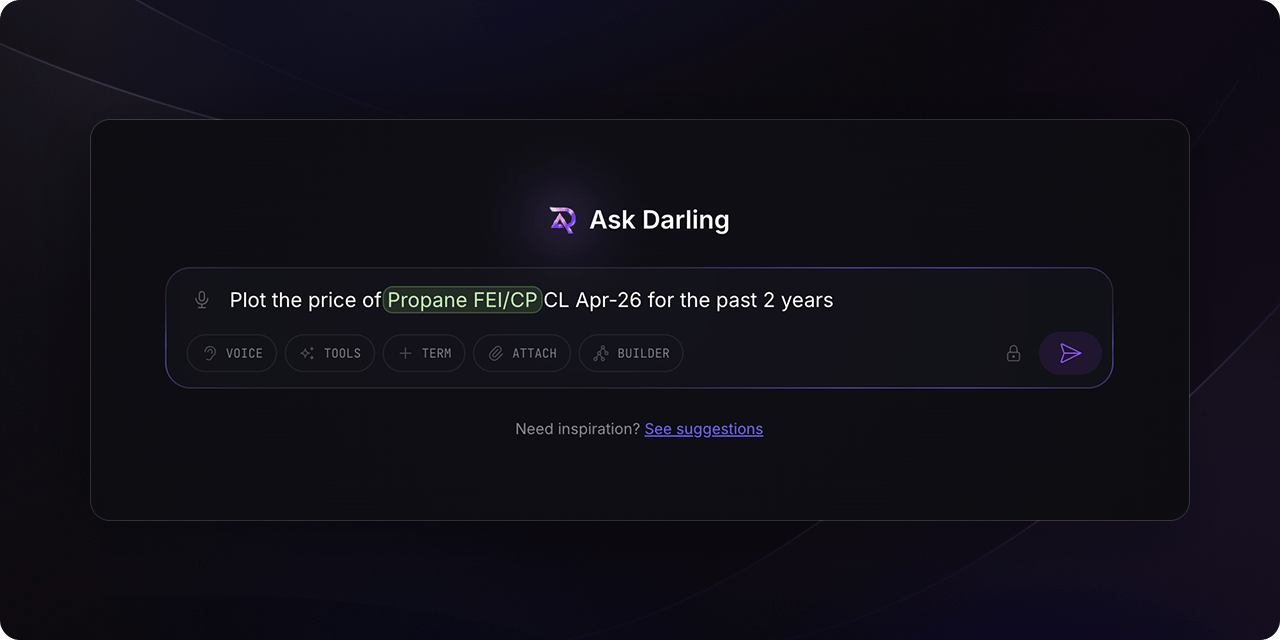
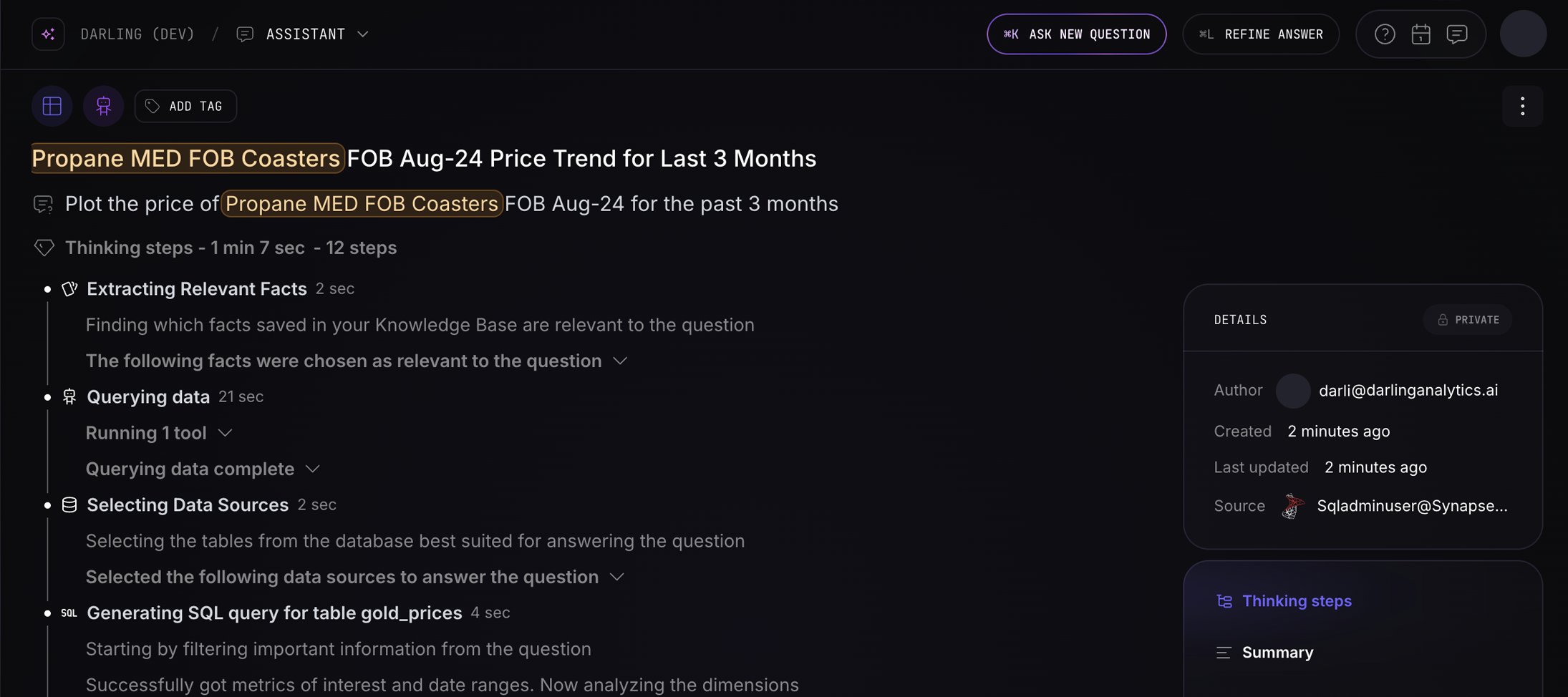
Ask your first question
Enter the “Assistant” section in the dashboard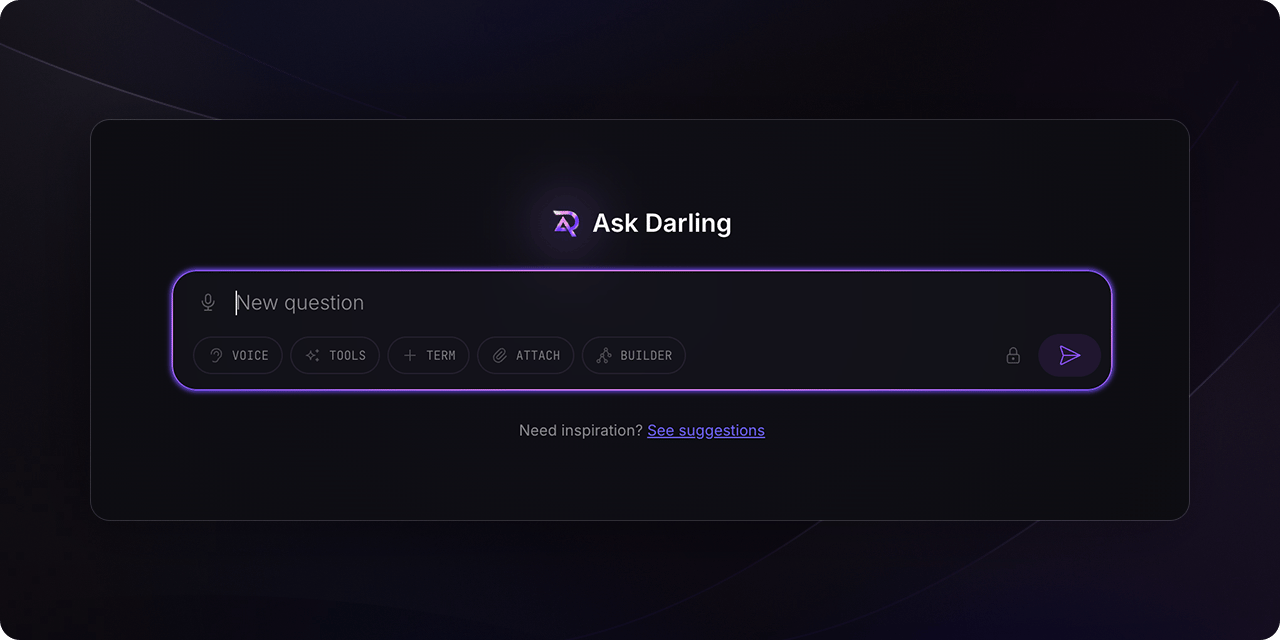
FAQ
Does Darling access or store private data?
Does Darling access or store private data?
No, Darling uses a secure and scalable architecture to ensure data security and
compliance. It also allows for easy permission management, so you can control
who has access to what data.
Can Darling be used at scale?
Can Darling be used at scale?
Yes, Darling is designed to be scalable and can be used by organizations of all
sizes. Its secure and scalable architecture enables it to handle large amounts
of data, while its customizable visualizations and reports make it easy to
share insights across teams and departments.