> ## Documentation Index
> Fetch the complete documentation index at: https://docs.darlinganalytics.ai/llms.txt
> Use this file to discover all available pages before exploring further.

# Visualizing Your Results

> Explore how Darling's data visualization tools help you interpret query results through user-friendly graphical formats.

## Visualizing Your Data

<Tip>
  Customize your visualizations via the dashboard for enhanced data
  interpretation.
</Tip>

### Step 1

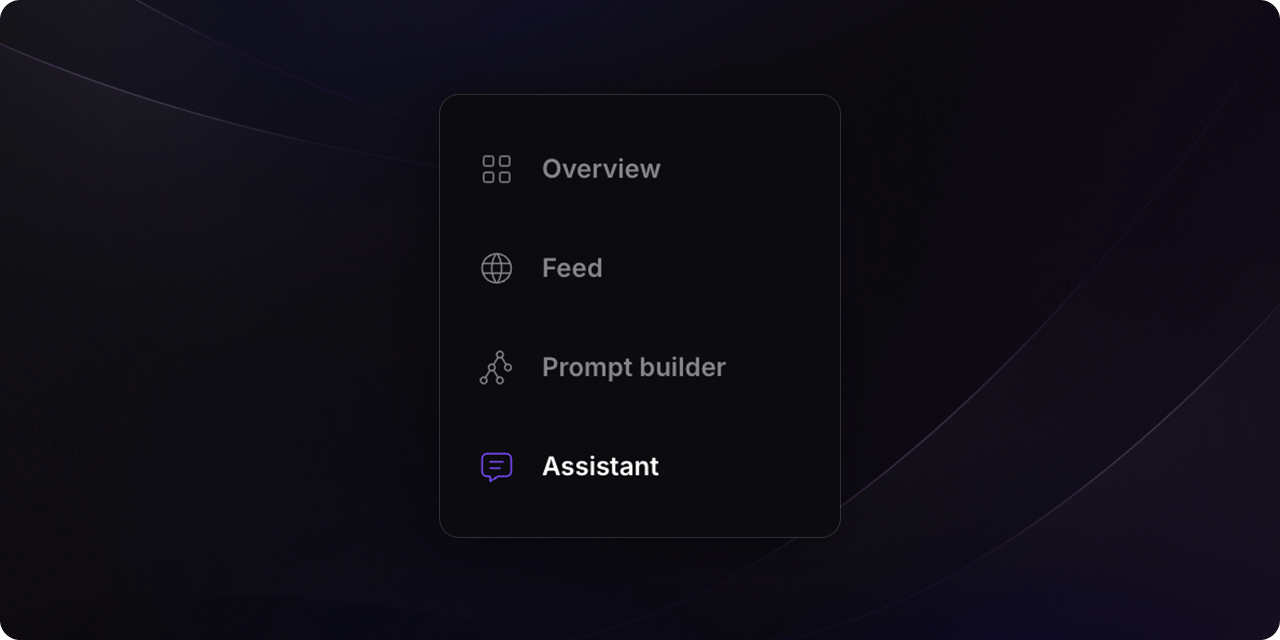
Navigate to the `Assistant` section and ask your desired question.
<Frame>
  <img src="https://mintcdn.com/darlinganalytics/Cu9xCrAK68QOEZSu/docs/app/usage/assets/screen-nav-assistant.png?fit=max&auto=format&n=Cu9xCrAK68QOEZSu&q=85&s=83096f7f6ab8a9dce94b91063a5abf9f" width="1280" height="640" data-path="docs/app/usage/assets/screen-nav-assistant.png" />
</Frame>

<br />

<Warning>
  Ensure the metric layer is configured beforehand. For more details, refer to
  the metrics sections.
</Warning>

### Step 2

After Darling generates the results, you can change the visualization type using the selector located at the top-right of the table.

<Frame>
  <img src="https://mintcdn.com/darlinganalytics/yPFk-uND9paA6tta/docs/app/usage/assets/screen-visualization-select.png?fit=max&auto=format&n=yPFk-uND9paA6tta&q=85&s=eae0ef2fe74a6ffa97e6a887af91dd97" width="1280" height="640" data-path="docs/app/usage/assets/screen-visualization-select.png" />
</Frame>

### Step 3

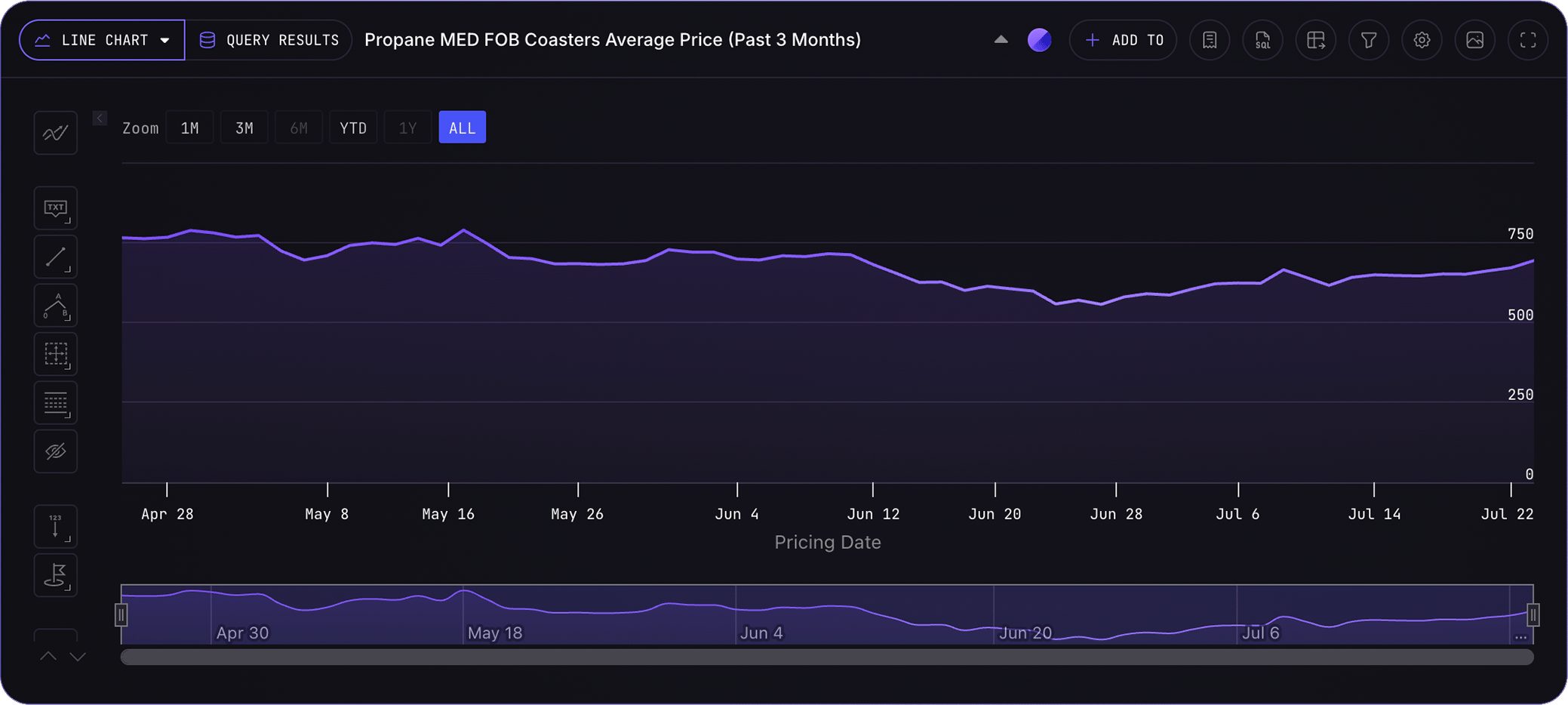
Select your preferred visualization type (e.g., bar chart, pie chart, line chart) from the dropdown menu.

<Frame>
  <img src="https://mintcdn.com/darlinganalytics/yPFk-uND9paA6tta/docs/app/usage/assets/screen-visualization-select-open.png?fit=max&auto=format&n=yPFk-uND9paA6tta&q=85&s=dc3ac8b17a932de2218217e26c07aadb" width="1280" height="640" data-path="docs/app/usage/assets/screen-visualization-select-open.png" />
</Frame>

<br />

{" "}

<img src="https://mintcdn.com/darlinganalytics/yPFk-uND9paA6tta/docs/app/usage/assets/screen-line-chart.png?fit=max&auto=format&n=yPFk-uND9paA6tta&q=85&s=41456c64d1338b73b1d5adfae0fd0493" width="2078" height="934" data-path="docs/app/usage/assets/screen-line-chart.png" />