> ## Documentation Index
> Fetch the complete documentation index at: https://docs.darlinganalytics.ai/llms.txt
> Use this file to discover all available pages before exploring further.
# Exporting Your Findings
> Learn how to export your data from Darling in various formats for your convenience.
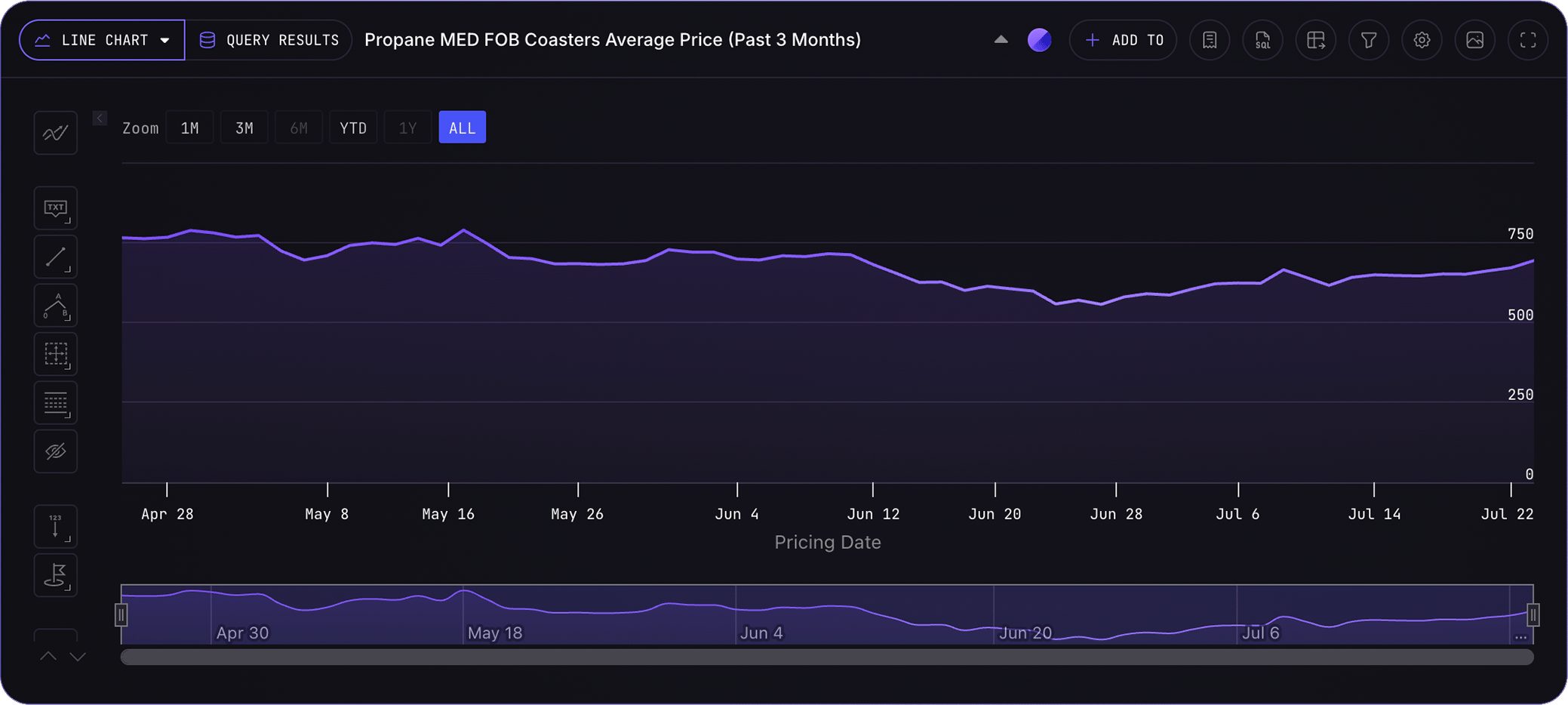 ## Exporting Your Data
### Step 1
Navigate to the [threads](https://app.darlinganalytics.ai/app/threads) page.
## Exporting Your Data
### Step 1
Navigate to the [threads](https://app.darlinganalytics.ai/app/threads) page.
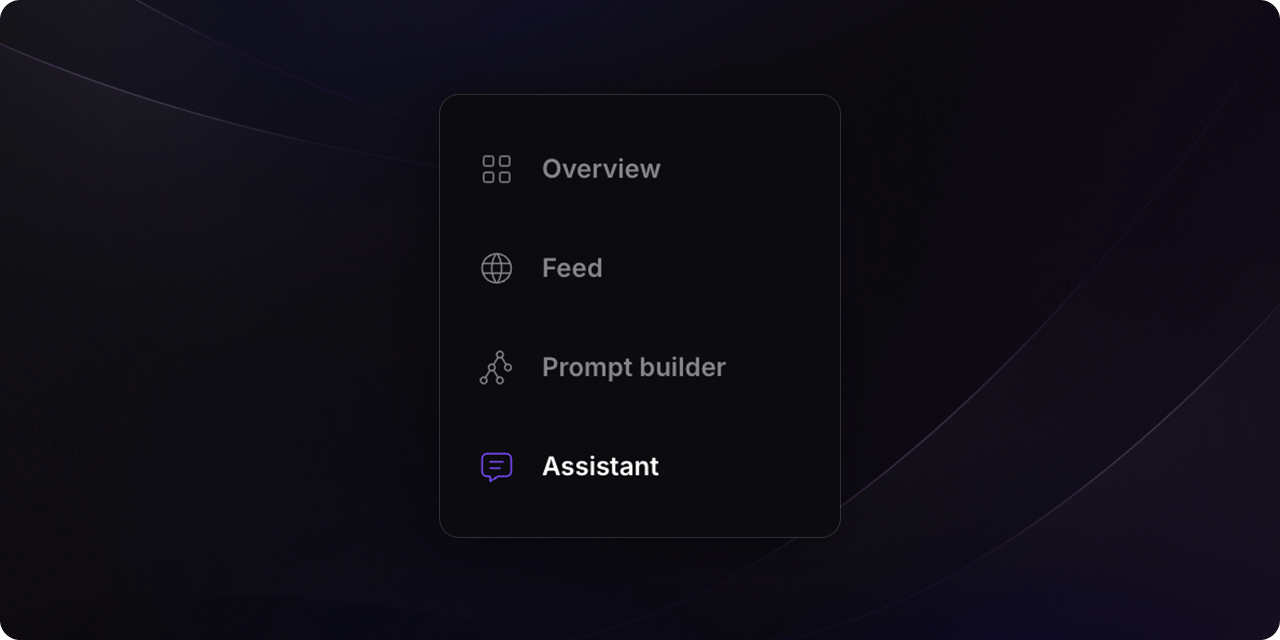 ### Step 2
Click the `Export` button located at the top-right of the page.
### Step 2
Click the `Export` button located at the top-right of the page.
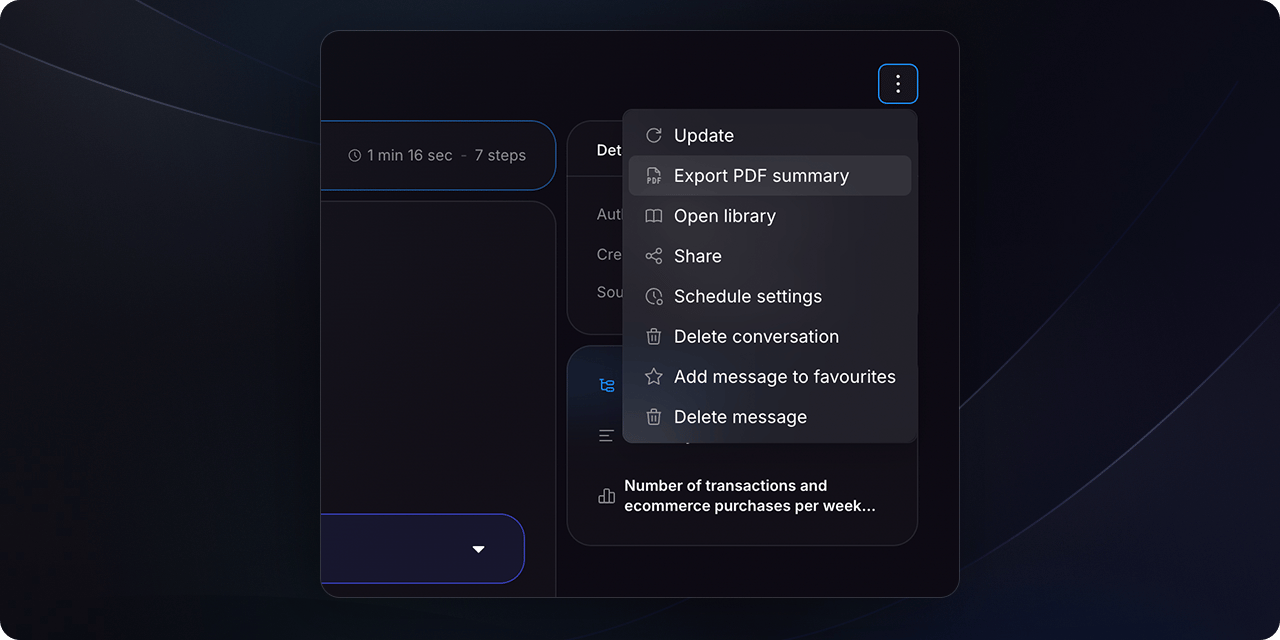 ### Step 3
Select `Export PDF summary` in the chat header to generate a PDF report.
### Step 3
Select `Export PDF summary` in the chat header to generate a PDF report.
Click `Export to Excel` within each visualization to export the data to an Excel file.
Need a different export format? Please [contact us](mailto:hello@darlinganalytics.ai) with your requirements.